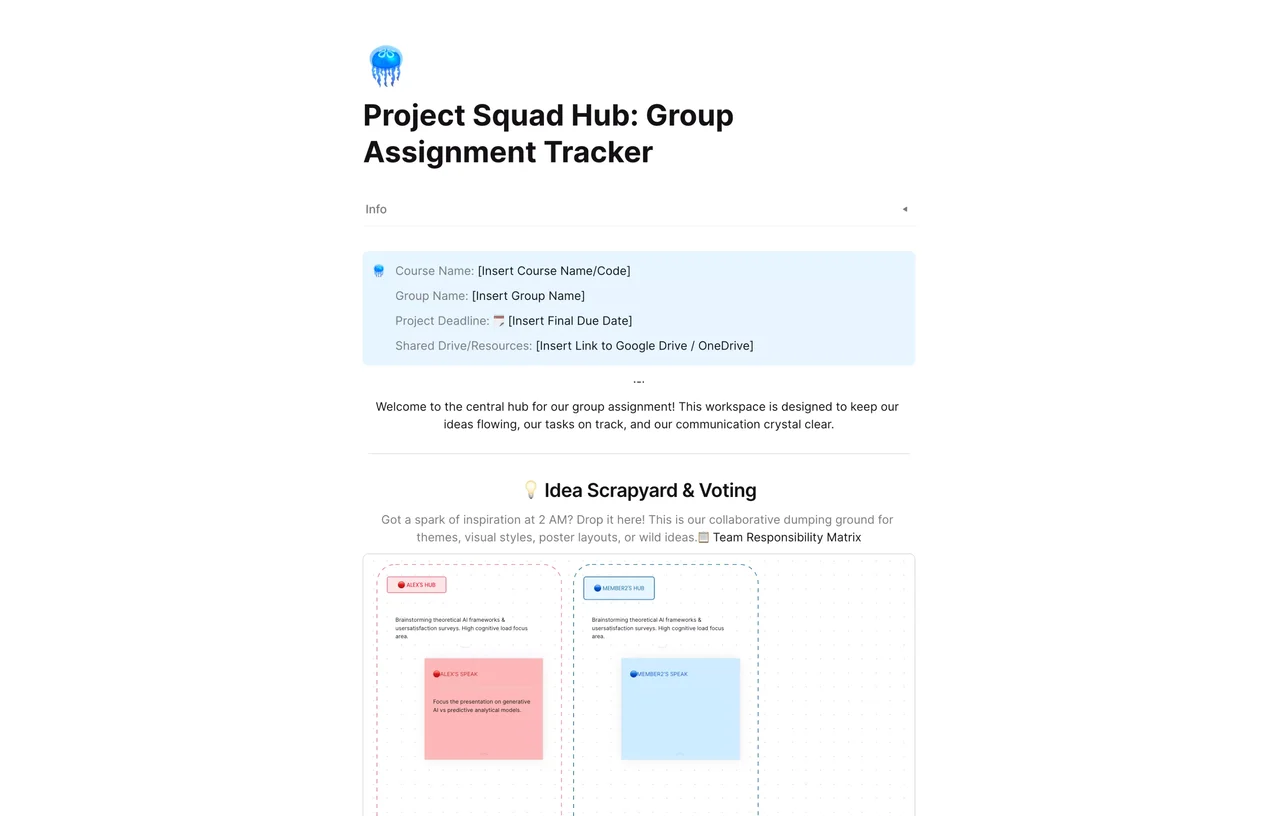
Project Squad Hub: Group Assignment Tracker
Streamline group work with the Project Squad Hub. Track assignments, manage deadlines, and boost collaboration in one place. Try this free tracker today!
The Project Squad Hub: Group Assignment Tracker is designed to transform chaotic group work into a streamlined, high-performance operation. By leveraging AFFiNE’s unique multi-modal capabilities, your team can seamlessly transition between writing detailed project briefs, drawing out complex conceptual frameworks on a boundless canvas, and planning out granular task timelines in a single, unified workspace.
Group projects often suffer from fragmented communication, unequal task distribution, and missed deadlines. This template solves these pain points by providing a "single source of truth" where every contributor knows exactly what to do and when it’s due. It eliminates the need for scattered email threads and multiple apps, centralizing your academic or professional workflow to ensure accountability and transparency.
The tracker allows you to assign specific owners to every milestone. By defining clear roles and responsibilities within the hub, you eliminate the "bystander effect" and ensure that every aspect of the project has a dedicated lead, boosting overall team reliability.
Stay ahead of deadlines with a clear overview of the project's health. Use AFFiNE’s structured layout to visualize task dependencies and progress percentages. This high-level visibility helps the squad identify potential bottlenecks before they become critical issues, allowing for proactive adjustments.
Unlike static trackers, this hub encourages creative problem-solving. Use the "Draw" mode to whiteboard project ideas or mind-map your research, then instantly convert those insights into actionable tasks in the "Plan" view. This integration ensures that the team’s best ideas are directly translated into project deliverables.